
Course DetailsHome / Courses Details
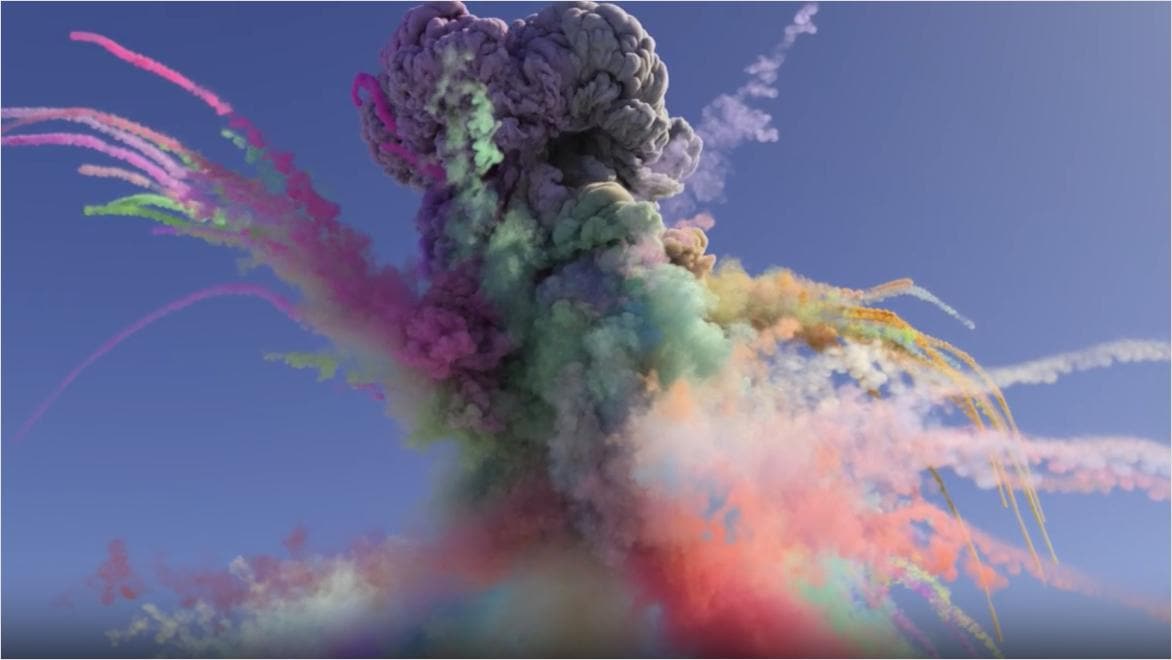
Visual Effects (VFX)
The Visual Effects (VFX) Professional Course equips learners with practical skills to create and integrate digital effects into videos, films, advertisements, and social media content.
The course focuses on industry-standard techniques such as compositing, motion tracking, green screen, particle effects, and 3D integration using professional software like Adobe After Effects.
Learners will gain hands-on experience in transforming raw footage into realistic and visually engaging scenes, preparing them for careers in film production, advertising, digital media, and visual effects industries.
Module 1: Introduction to VFX
- What is Visual Effects (VFX)
- Difference between VFX and SFX
- Role of VFX in modern media
- VFX pipeline overview (pre-production to post-production)
- Career paths in the VFX industry
- Ethics and standards in visual effects
Module 2: VFX Fundamentals
- Understanding frames and motion
- Video formats and resolutions for VFX
- Layers and compositing basics
- Pixel, resolution, and aspect ratio
- Introduction to digital visual storytelling
- Green screen production basics
Module 3: Adobe After Effects Basics
- Interface and workspace navigation
- Creating compositions and projects
- Keyframes and animation principles
- Layer management and timelines
- Effects panel and presets
- Rendering and exporting projects
Module 4: Compositing Techniques
- Layer blending modes
- Masking and shape tools
- Rotoscoping fundamentals
- Scene integration techniques
- Multi-layer compositing workflows
- Realism in digital composition
Module 5: Green Screen (Chroma Key)
- Setting up green screen shoots
- Keying techniques and cleanup
- Spill suppression methods
- Background replacement workflows
- Lighting for chroma key success
- Real-world scene integration
Module 6: Motion Tracking
- Point tracking fundamentals
- Camera tracking basics
- Stabilization of shaky footage
- Object tracking techniques
- Attaching graphics to moving objects
- Practical tracking projects
Module 7: 3D Basics for VFX
- Introduction to 3D layers
- Camera movement and depth
- Lighting in 3D space
- Perspective and spatial design
- Integrating 3D with 2D footage
- Basic 3D scene creation
Module 8: Particle Effects
- Fire, smoke, and explosion simulations
- Particle systems and emitters
- Weather effects (rain, snow, wind)
- Energy, spark, and glow effects
- Custom particle creation
- Enhancing realism with particles
Module 9: Rotoscoping
- Frame-by-frame masking techniques
- Subject isolation from backgrounds
- Hair and motion detail refinement
- Clean edges and feathering
- Advanced rotoscoping tools
- Practical rotoscoping projects
Module 10: Color Grading for VFX
- Color correction fundamentals
- Matching foreground and background
- Cinematic color grading techniques
- Lighting consistency in composites
- Mood and atmosphere creation
- LUTs and professional grading workflows
Module 11: Advanced Compositing
- Multi-scene integration techniques
- Digital set extension
- Screen replacement (phones, monitors, TVs)
- Invisible VFX techniques
- Advanced realism adjustments
- Layer-based complex compositions
Module 12: Visual Effects for Film
- Enhancing action scenes
- Sci-fi and fantasy effects creation
- Explosion and destruction effects
- Cinematic storytelling with VFX
- Environment enhancement
- Film-level production workflows
Module 13: Social Media VFX
- TikTok, Instagram Reels effects
- Short-form video enhancement
- Trending VFX styles
- Filters, overlays, and effects
- Viral content creation techniques
- Mobile-friendly VFX workflows
Module 14: Motion Graphics Integration
- Animated titles and text effects
- Lower thirds and subtitles
- Logo animations and branding
- Infographic animations
- Marketing visuals integration
- Transition effects design
Module 15: VFX Workflow & Production
- Pre-production planning for VFX shots
- Storyboarding and shot planning
- On-set VFX considerations
- Post-production workflow management
- File organization and asset management
- Industry production pipeline
Module 16: Advanced VFX Techniques
- CGI integration basics
- Digital explosions and destruction
- Invisible effects in live footage
- Advanced camera tracking workflows
- Scene reconstruction techniques
- Professional-level compositing
Module 17: Practical VFX Studio
- Real-world client-based projects
- Film and advertisement simulations
- Team collaboration workflows
- Creative problem-solving exercises
- Industry-standard project execution
- Portfolio development projects
Module 18: Capstone VFX Project
- Concept development and planning
- Storyboarding and visualization
- Full VFX production workflow
- Final compositing and rendering
- Professional presentation
- Portfolio submission and review
Educational Requirements
- Basic secondary education or equivalent
- Basic English communication skills
- No prior VFX experience required
Technical Requirements
- Basic computer literacy
- Interest in video editing, animation, or film
- Willingness to learn creative software tools
Equipment Requirements
- Laptop or desktop computer
- Minimum 8GB RAM (16GB recommended)
- Adequate storage space for video files
- Stable internet connection
Personal Attributes
- Creativity and imagination
- Attention to detail
- Patience and persistence
- Interest in visual storytelling
- Problem-solving mindset
Suitable For
Students, filmmakers, video editors, content creators, YouTubers, social media managers, digital marketers, freelancers, and anyone interested in visual effects, animation, and digital media production.
Learning Materials
- VFX training manuals
- After Effects learning guides
- Compositing and tracking handbooks
- Motion graphics references
- Color grading guides
- Film production resources
Software Tools
- Adobe After Effects
- Adobe Premiere Pro
- DaVinci Resolve
- Blender (basic 3D VFX)
- Photoshop
- Cinema 4D (intro level)
Practical Resources
- Green screen studio setups
- Video shooting practice kits
- Film simulation projects
- Advertising VFX assignments
- Social media content labs
- Portfolio development exercises
Online Learning Resources
- Video tutorials and workshops
- Stock footage and asset libraries
- Sound effects libraries
- Motion graphics templates
- Creative VFX communities
Support Services
- Personal tutor guidance
- Career mentorship
- Freelancing support
- Project supervision
- Portfolio review sessions
Assessment
- Practical VFX assignments
- Compositing projects
- Motion tracking exercises
- Social media VFX tasks
- Final capstone VFX production
- Course Duration: 6 Months
- Study Mode: Online, Physical, Hybrid
- Total Learning Hours: 350+ Hours
- Practical Hours: 280+ Hours
- Modules: 18 Comprehensive Modules
- Practical Projects: 40+
- Motion Tracking Tasks: 20+
- Compositing Projects: 25+
- Social Media Effects: 30+
- Film-Level Projects: 10+
- Portfolio Outputs: 35+ Professional Works
- Capstone Project: 1 Full Professional VFX Production
- Certification: Professional Certificate in Visual Effects (VFX)
- Practical Ratio: 85% Practical / 15% Theory
- Career Opportunities: VFX Artist, Compositor, Motion Graphics Designer, Film Editor, Digital Effects Artist, Content Creator, Freelance VFX Specialist, Multimedia Producer